Quick answer: Do not treat Surfshark as guaranteed to work on every mainland-China network. Surfshark’s own October 2, 2026 China support notice acknowledges connection difficulties and recommends manual WireGuard setup when the normal app cannot connect. Recent traveler reports conflict. A plan that depends on uninterrupted access should have a separately tested and permitted backup.
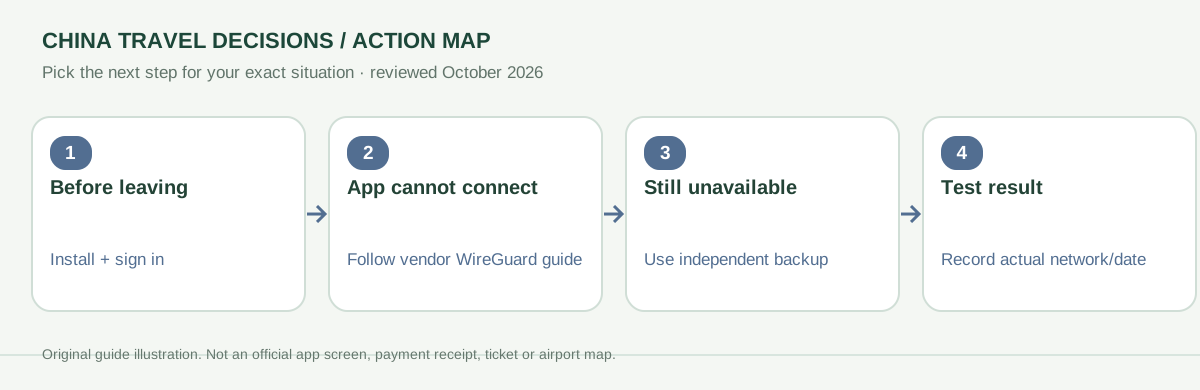
What is actually verified as of October 2026?
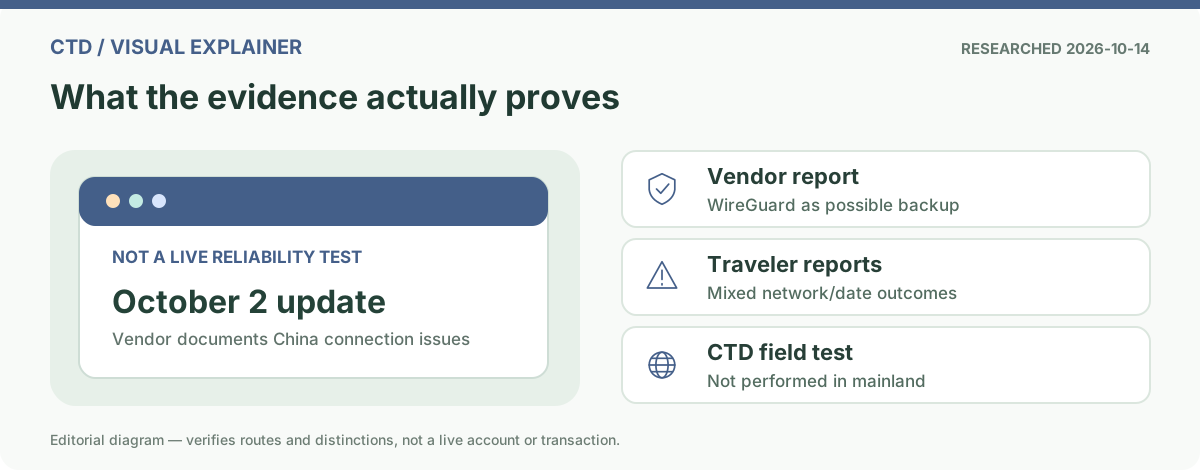
The strongest relevant evidence is the vendor’s own current support statement. On October 2, 2026, Surfshark updated its “Connecting from China” help article describing recent challenges and recommending a manual WireGuard connection if the Surfshark app fails. That is an actionable fallback but not a guarantee of success on any airport, hotel, roaming or residential connection.
Traveler posts in October 2026 report mixed experiences. They are useful warnings about variation by operator, device, city and date, not independent measurement of uptime. We have not performed an in-mainland controlled connection test and cannot assign a real success percentage.
| Claim | What the evidence permits |
|---|---|
| “Surfshark always works in China” | Not established. The provider itself documents connection challenges. |
| “Surfshark never works in China” | Not established. Outcomes may change across networks and clients. |
| “Surfshark recommends a fallback when its app cannot connect” | Supported by its October 2 official connection notice. |
| “Manual WireGuard will always bypass restrictions” | Not supported. Manual setup may also fail. |
Before your flight: prepare for an offline support problem
- Install the Surfshark app from a legitimate source and confirm account sign-in before traveling.
- Read the vendor’s current China-specific guide while its website is accessible.
- If manual fallback is relevant, open Surfshark’s instructions for your exact operating system and understand the need for an active account, key pair and configuration file.
- Store only required configuration information securely. Do not send private keys, credentials or account screenshots to strangers.
- Save offline navigation, address, translation and booking essentials; do not rely on a VPN to retrieve a train ticket from an inbox at the gate.
- Arrange a separate working data path and check local network and legal/employer requirements.
Official manual WireGuard path by device
| Device | Official vendor guide |
|---|---|
| Windows | Windows WireGuard manual setup |
| macOS | macOS WireGuard manual setup |
| iPhone / iPad | Find current iOS China-specific guide |
| Android | Find current Android China-specific guide |
These instructions belong to the provider. Device behavior, permitted uses, app-store availability and supported configurations can change. Only use methods appropriate for your circumstances and applicable rules.
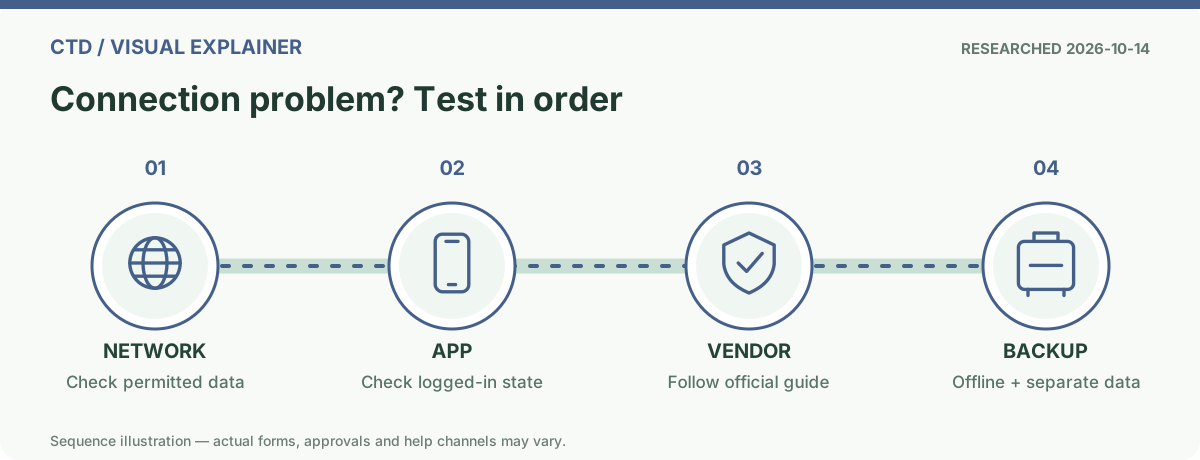
A decision tree for “the app opens but nothing loads”
| Observation | What to distinguish | Next check |
|---|---|---|
| No mobile data or hotel Wi-Fi even without Surfshark | Underlying connectivity failure | Test a basic permitted network service; resolve SIM, roaming or Wi-Fi access first. |
| Internet works, but Surfshark app does not connect | VPN/protocol/server path failure | Follow the vendor’s current China troubleshooting; avoid random untrusted configuration files. |
| VPN says connected, but the service still cannot load | Destination service restriction, DNS/account/app issue or unstable tunnel | Check vendor diagnostics and whether ordinary data connections work. |
| Both primary and manual path fail | Unresolved failure; not a reason to keep retrying an essential checkout | Move to a separate travel data or offline plan. |
What counts as a meaningful backup?
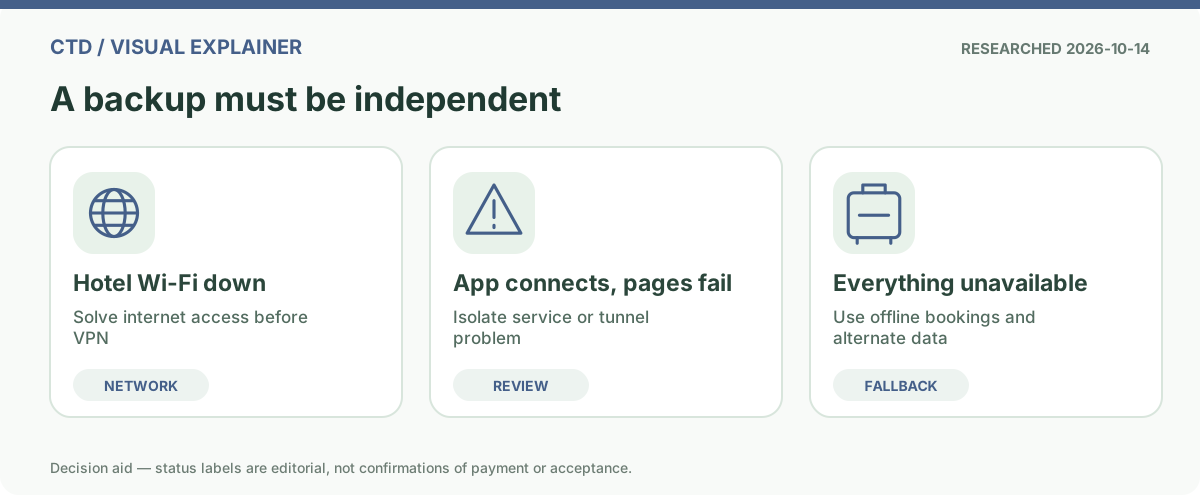
An alternative is meaningful only if it does not share the same point of failure. A second app with the same inaccessible sign-in route is not a full backup. Depending on your carrier, home-country international roaming or travel eSIM may route traffic differently, but app access depends on the individual plan and is never guaranteed simply by the word “eSIM”.
- Compare China eSIM versus home roaming before buying; check whether the plan explicitly describes the apps you need.
- Use the broader VPN-for-China guide for a category-level decision rather than treating one provider as universally best.
- Keep offline maps, hotel address in Chinese, emergency contacts and the original travel documents available independent of a VPN.
- Follow applicable local laws and any workplace security policies; CTD does not certify that an approach is legally or organizationally permitted for your circumstances.
Official support, not a fabricated field test
- Surfshark’s October 2 China connection note
- All current China-specific troubleshooting links
- Vendor notes for network-restricted locations
Evidence review October 14, 2026. No paid ranking, provider endorsement, China-network speed benchmark or uptime claim is offered here. Availability can change without notice.
Frequently asked questions
Does Surfshark definitely work in mainland China?
No, success is not guaranteed. The provider itself notes connection challenges in its October 2026 guidance.
What does Surfshark suggest if its normal app cannot connect?
Its China-specific guide recommends a manual WireGuard connection as one potential recovery route, without promising success.
Is a travel eSIM the same thing as a VPN?
No. A travel eSIM is a mobile-data product. Its app accessibility depends on routing and plan terms, and is not guaranteed by the eSIM label.